The text read off it
[page 57]
This pair of commands is used as shown in the following general form:
procedure.name.  BEGIN SECTION.
     any sentence.
     .
     .
     .
     any sentence.
END procedure.name.
Two of the program commands and one processor command take advantage of the facility provided by BEGIN SECTION and END. They are DO, LOAD and OVERLAP. The usefulness of these commands would be seriously impaired if they could not operate on pieces of procedure larger than sentences.
As indicated in the general form, the name of a section appears at the beginning and also at the end of the procedure. The second occurrence is required because sections of procedure may be "nested," i.e., one section may be contained within a larger one. For example, the situation illustrated below is permitted:
NAME.1.   BEGIN SECTION.
        ..................................................
        ..................................................
NAME.2.   BEGIN SECTION.
        ..................................................
        ..................................................
          END NAME.2.
        ..................................................
        ..................................................
          END NAME.1.
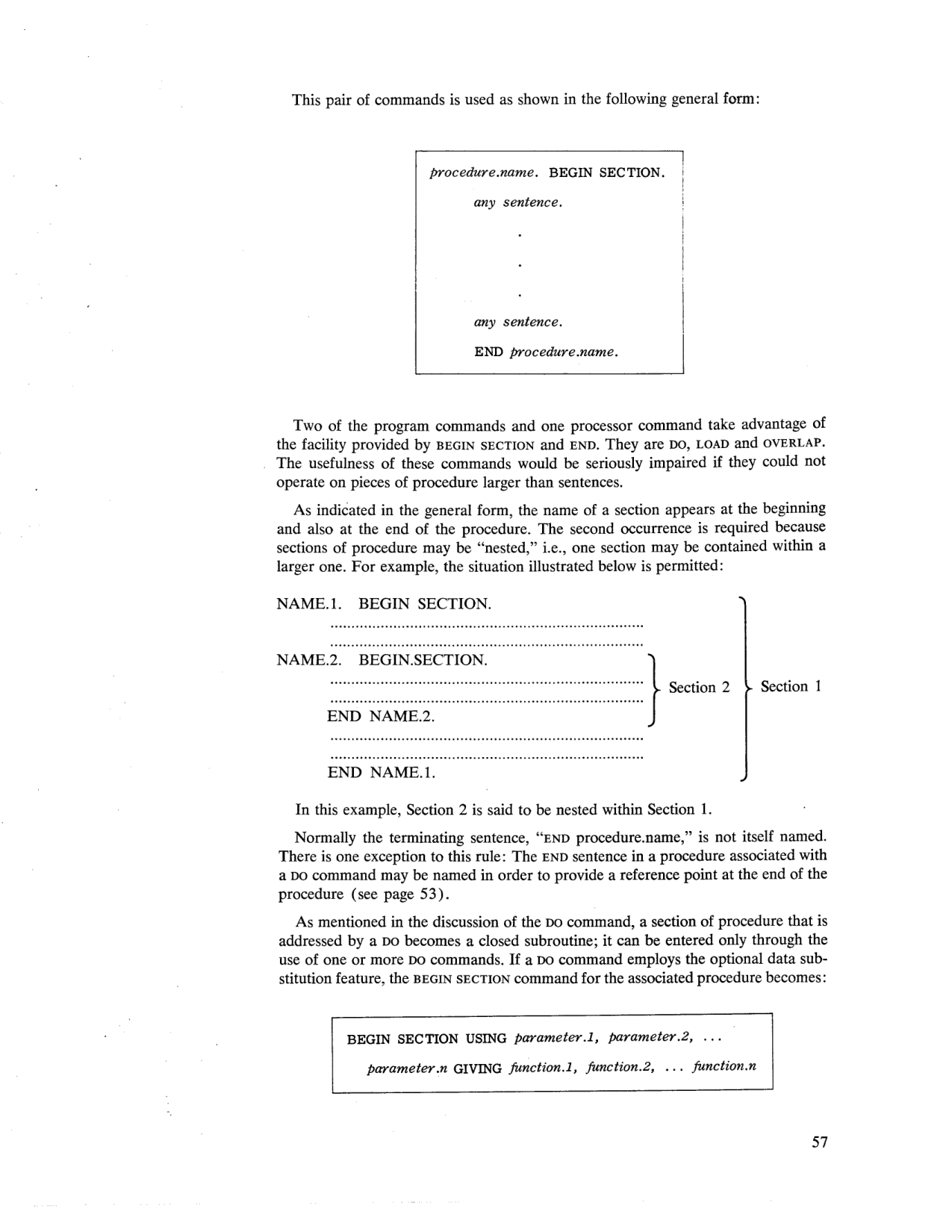 Nested sections diagram: Section 2 nested within Section 1 (page 57).
In this example, Section 2 is said to be nested within Section 1.
Normally the terminating sentence, "END procedure.name," is not itself named. There is one exception to this rule: The END sentence in a procedure associated with a DO command may be named in order to provide a reference point at the end of the procedure (see page 53).
As mentioned in the discussion of the DO command, a section of procedure that is addressed by a DO becomes a closed subroutine; it can be entered only through the use of one or more DO commands. If a DO command employs the optional data substitution feature, the BEGIN SECTION command for the associated procedure becomes:
BEGIN SECTION USING parameter.1, parameter.2, ...
     parameter.n GIVING function.1, function.2, ... function.n