The text read off it
[05.02.01]
05.02 PERIPHERAL EQUIPMENT ASSIGNMENT
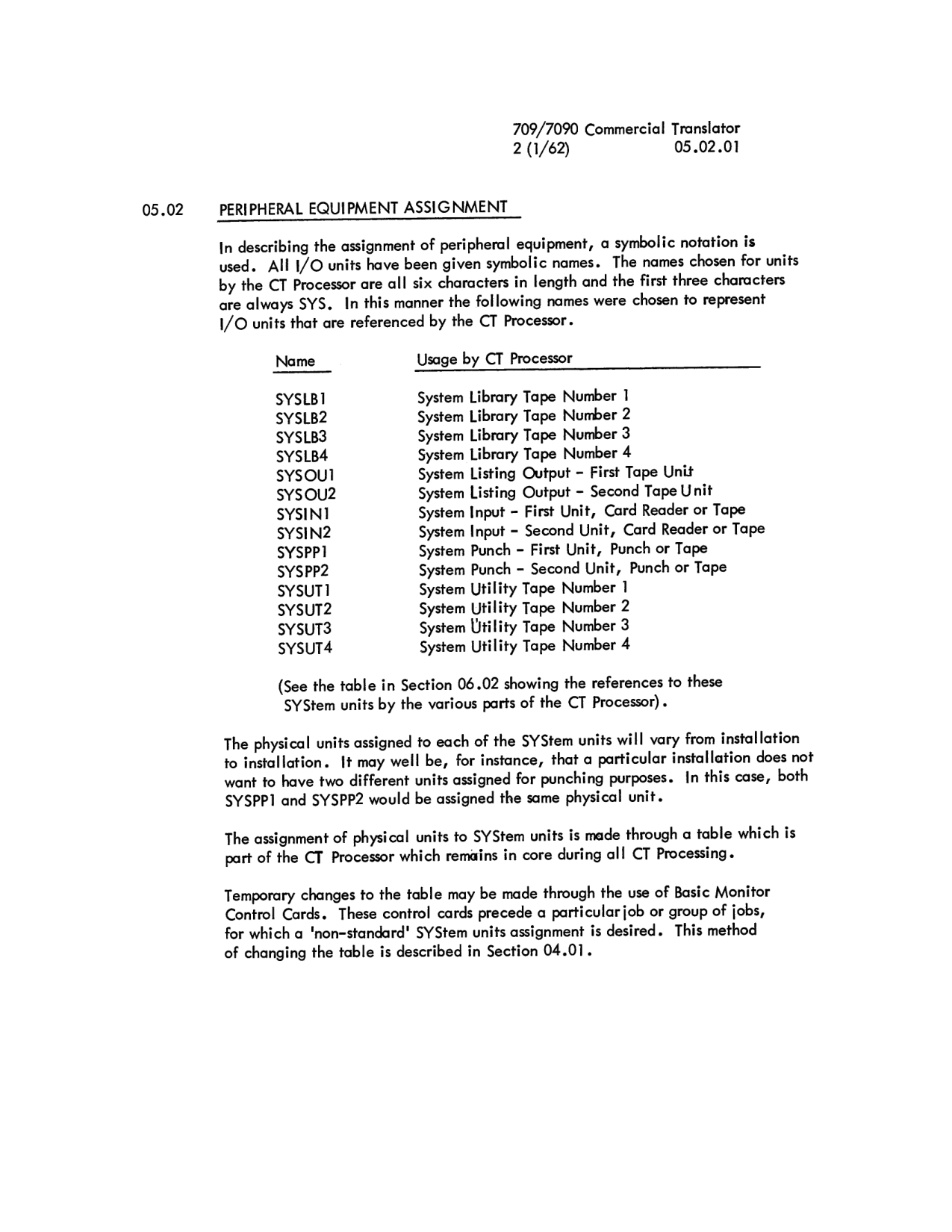
In describing the assignment of peripheral equipment, a symbolic notation is used. All I/O units have been given symbolic names. The names chosen for units by the CT Processor are all six characters in length and the first three characters are always SYS. In this manner the following names were chosen to represent I/O units that are referenced by the CT Processor.
| Name | Usage by CT Processor |
|---|---|
| SYSLB1 | System Library Tape Number 1 |
| SYSLB2 | System Library Tape Number 2 |
| SYSLB3 | System Library Tape Number 3 |
| SYSLB4 | System Library Tape Number 4 |
| SYSOU1 | System Listing Output - First Tape Unit |
| SYSOU2 | System Listing Output - Second Tape Unit |
| SYSIN1 | System Input - First Unit, Card Reader or Tape |
| SYSIN2 | System Input - Second Unit, Card Reader or Tape |
| SYSPP1 | System Punch - First Unit, Punch or Tape |
| SYSPP2 | System Punch - Second Unit, Punch or Tape |
| SYSUT1 | System Utility Tape Number 1 |
| SYSUT2 | System Utility Tape Number 2 |
| SYSUT3 | System Utility Tape Number 3 |
| SYSUT4 | System Utility Tape Number 4 |
(See the table in Section 06.02 showing the references to these SYStem units by the various parts of the CT Processor).
The physical units assigned to each of the SYStem units will vary from installation to installation. It may well be, for instance, that a particular installation does not want to have two different units assigned for punching purposes. In this case, both SYSPP1 and SYSPP2 would be assigned the same physical unit.
The assignment of physical units to SYStem units is made through a table which is part of the CT Processor which remains in core during all CT Processing.
Temporary changes to the table may be made through the use of Basic Monitor Control Cards. These control cards precede a particular job or group of jobs, for which a 'non-standard' SYStem units assignment is desired. This method of changing the table is described in Section 04.01.